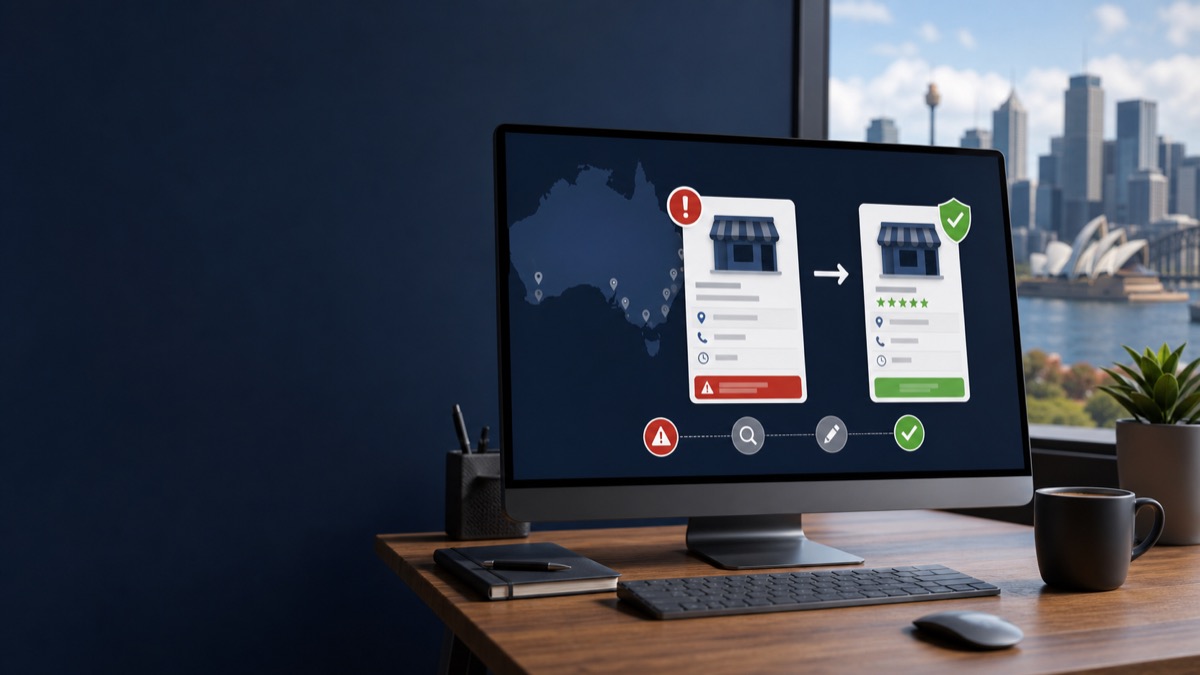
A Google Business Profile suspended after address change is usually a profile that failed the check Google runs when a verified business moves. Google requires you to verify again after a move, and if the new address, your documents, and your signage do not line up, the profile can be suspended instead of updated. The fix is to make your records match the new address first, then appeal once with proof that you operate there.
Most of these cases come down to order. The profile was changed before the paperwork and the sign caught up. This guide shows you the right order and how to recover if you already got it wrong.
Google Business Profile suspended after address change: why does it happen?
Because a move puts your profile back under review. Google says: "We review your changes before we update them live on your profile." For moves it goes further: "If you move your business to a new address after it's verified, you must verify your business again." [Source: Google Business Profile Help, Edit your Business Profile, 2026]
That review looks at the new address with fresh eyes. In our experience, suspensions after a move tend to follow one of these patterns:
- The new address does not meet the guidelines. A virtual office, a mailbox, or a shared space without signage.
- The paperwork still shows the old address. The reviewer cannot match the profile to any document.
- Several fields changed together. A new address, phone number, and category on the same day can look like a different business.
- A second profile appeared. Someone created a listing for the new location instead of editing the old one.
Google's verification page also notes that when it asks for more details, it is "likely because some of your business details were recently updated." [Source: Google Business Profile Help, Verify your business on Google, 2026]
If your notice gives no reason at all and you are not sure the move is the cause, start with our guide to a profile suspended with no reason.
What do Google's guidelines say about your business address?
The rules for a new address are the same as for the old one, and the review applies them again. Google says: "Use a precise, accurate address and/or service area to describe your business location." [Source: Google Business Profile Help, Guidelines for representing your business on Google, 2026]
Check the new location against each rule:
- It must be a real place you operate from. A business that "rents a physical mailing address but doesn't operate out of that location" does not qualify.
- No remote mailboxes. "P.O. boxes or mailboxes located at remote locations aren't acceptable."
- No unstaffed virtual offices. A service-area business "can't list a 'virtual' office unless that office is staffed during business hours."
- It needs a sign. "Businesses showing their address on Google should maintain permanent fixed signage of their business name at the address."
- Co-working has extra limits. Businesses "can't list an office at a co-working space unless that office maintains clear signage, receives customers at the location during business hours, and is staffed during business hours by your business staff."
If you moved your service business into your home and you do not serve customers there, Google says "you should hide your business address from customers." Our guide to service-area business suspensions covers that setup.
Should you edit the address or create a new profile when you move?
Edit the address on the existing profile. Google says: "Do not create a new Business Profile because of a change in a physical location or ownership." [Source: Google Business Profile Help, Move your reviews across Business Profiles, 2026]
Editing keeps your history. Google says: "If you move to a new address and keep the same business name, Google will transfer your reviews automatically." It also notes that some categories, such as hotels, golf courses, and scenic attractions, may not have reviews moved automatically. If you are changing the name as well as the address, read our guide to a profile suspended after a name change first.
If someone already created a second profile for the new location, do not add a third. Google says that if you accidentally made a new profile after a move, you can contact it about transferring the reviews. A suspended second listing is a duplicate problem, and our guide to duplicate profile suspensions explains how to handle it.
A move between countries may follow a different path. Confirm with Google before you change anything in that case.
In what order should you update your records before a move?
Update the real world first and the profile last. When you appeal, Google asks you to "check that the business name and address match the profile" on every document you send. If the documents still show the old address on the day the profile changes, you have nothing to prove the new one with. [Source: Google Business Profile Help, Fix suspended or disabled profiles, 2026]
Work in this order:
- Registration and licenses. Update the address with your state, provincial, or national business registry, and on any trade license.
- Utility bills. Put electricity, phone, water, or internet in the business name at the new address. Google lists all four as evidence.
- Signage. Install permanent signage at the new location and take dated photos from the street.
- Website and listings. Change the address on your site, invoices, and major directories so they match exactly.
- The Business Profile. Edit the address once you actually operate there, then complete reverification.
| Update before you change the profile address | Update after you change the profile address |
|---|---|
| Business registration with the new address | Complete reverification when Google asks |
| Business or trade license | Check the map pin sits on your new entrance |
| At least one utility bill in the business name | Confirm reviews carried over to the profile |
| Permanent fixed signage at the new location | Search Maps for an old or duplicate listing |
| Website contact page and footer | Update hours if they changed with the move |
| Lease or proof of occupancy on file | Keep dated photos and documents for any appeal |
Keep everything else the same on the day you change the address. A new phone number or category can wait until the move has settled.
How does reverification work after a move?
Google will ask you to prove you are at the new location. On its verification page, Google says: "If your business is eligible for video verification, we recommend that you use this option." Phone, text, email, live video calls, and postcards are also listed, but not every method is offered to every business. [Source: Google Business Profile Help, Verify your business on Google, 2026]
For a live video call, Google suggests being ready to show three things:
- Location: outside signs, nearby businesses, or a street sign.
- Business or equipment: products, branded equipment, marketing materials, or tools you use.
- Proof of management: employee-only areas, a cash register, a storage room, non-sensitive business documents, or your keys to open the facility.
This is where the order above pays off. If the sign is not up yet, the video cannot show it. If the "Get verified" button reappears, Google says "it means Google couldn't completely verify your business." If a video is rejected, read our guide to failed video verification before you record another one.
How do you appeal with proof of the new address?
Gather the documents that match the new address, then submit one appeal. Google says: "Appeals can only be submitted once." [Source: Google Business Profile Help, Fix suspended or disabled profiles, 2026]
The evidence Google lists is "Official business registration," "A business license," "Tax certificates," and utility bills. For a move, each file should answer one question: does this business operate at the new address?
- Check eligibility. Make sure the new location meets the address rules above. If it does not, an appeal will not change that.
- Collect matching proof. The updated registration, a utility bill at the new address, and photos of the sign.
- Write a short timeline. "We moved from 12 Oak Street to 40 Main Street on 1 October. Attached are the updated registration, the October electricity bill, and photos of the new sign."
- Submit through the appeals tool. Select the profile and the decision, attach the files, and confirm.
Google says: "Appeal reviews and decisions can take up to 5 business days." It also says: "Do not submit multiple appeals for the same issue before receiving a decision." [Source: Google Business Profile Help, Appeal Business Profile content & profile restrictions, 2026]
Our reinstatement evidence checklist shows what a full package looks like. If the tool will not open, see our guide to the appeals tool not working.
What should you avoid after a move suspension?
Most of the extra damage comes from trying to fix the profile fast. Google's own rule applies here: "Do not create a new Business Profile for the same business." [Source: Google Business Profile Help, Fix suspended or disabled profiles, 2026]
- Do not switch back to the old address. If you no longer operate there, it is now the inaccurate one.
- Do not open a new profile at the new address. It creates a duplicate and leaves the reviews behind.
- Do not appeal before the documents are updated. An appeal with old-address paperwork proves the wrong location.
- Do not change other fields while you wait. Each edit gives the reviewer something new to question.
If the appeal is denied, Google says "we may be able to do an additional review to prove your eligibility." Our guide to an appeal denied after additional review covers that step.
How GBP Case helps with a suspension after an address change
We start by checking the new address against Google's guidelines. If it does not qualify, we tell you before you spend your appeal. If it does, we line up the registration, utility bills, signage photos, and profile details so every file shows the same name and address.
The free case review also checks for duplicates from the move, whether reviews stayed on the right profile, and whether the edit history explains itself. You can run the qualification tool first, read anonymous case studies, or see how the process works on our reinstatement page.
We do not take cases for virtual offices or PO boxes, because Google's guidelines do not allow them. We never promise approval. Google makes every decision.
Frequently asked questions
Will I lose my reviews if I change my business address?
Not if you edit the existing profile and keep the same name. Google says that if you move to a new address and keep the same business name, it will transfer your reviews automatically. It notes exceptions for some categories, such as hotels, golf courses, and scenic attractions. The reviews are at risk when a new profile is created for the new location, because they stay on the old one. If that already happened, Google says you can contact it about moving the reviews. Do not create another listing to try to fix it.
Should I update the profile before or after I move?
After. Change the address on the profile once you actually operate from the new location, with signage up and staff on site. Update your registration, at least one utility bill, and your website first, so the documents match on the day the profile changes. Google requires a verified business that moves to verify again, and that check works best when the reviewer can see a sign and match your paperwork. Changing the profile weeks early leaves an address you cannot yet prove.
Can I appeal if my new address is a co-working space?
Only if the space meets Google's rules. Google says businesses cannot list an office at a co-working space unless that office keeps clear signage, receives customers during business hours, and is staffed during business hours by your own staff. A hot desk with no sign or a mail-forwarding membership will not qualify, and an appeal will not change that. If you have a private office with your name on the door and staff there during your hours, gather photos, your lease, and a utility or service bill that shows the address.
What if I moved my business into my home?
It depends on whether customers visit you there. If they do, the home address can be shown, but it must meet the same address and signage rules as any other location. If you travel to customers and they do not come to your home, Google says you should hide the address and set a service area instead. Many suspensions after a move to a home office come from showing a residential address that customers never visit. Hide it, set the area you serve, and keep documents that tie the business to the address.
Get your records in order before you appeal
A suspension after a move has a better chance of being resolved when the new location is eligible and your proof matches it. Update the registration, utilities, and signage, edit the existing profile rather than creating a new one, and send one appeal with documents that show the new address.
If you want someone to check your evidence first, start with a free case review. New inquiries get a reply within one hour.
This guide is general information, not a promise of reinstatement. Google makes the final decision on every profile and appeal. Last updated: November 2026.
Need Help With Your Suspension?
Start with a free consultation and clear case pricing before you decide. We review the issue and explain the recovery path.
Get my free case review