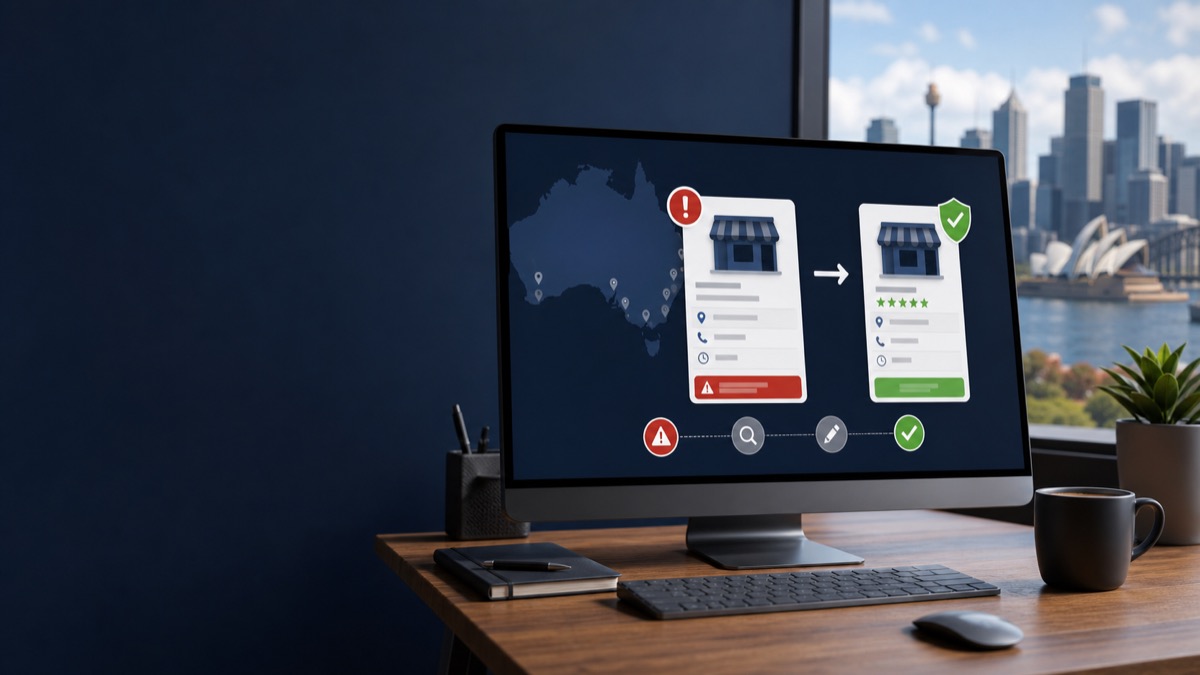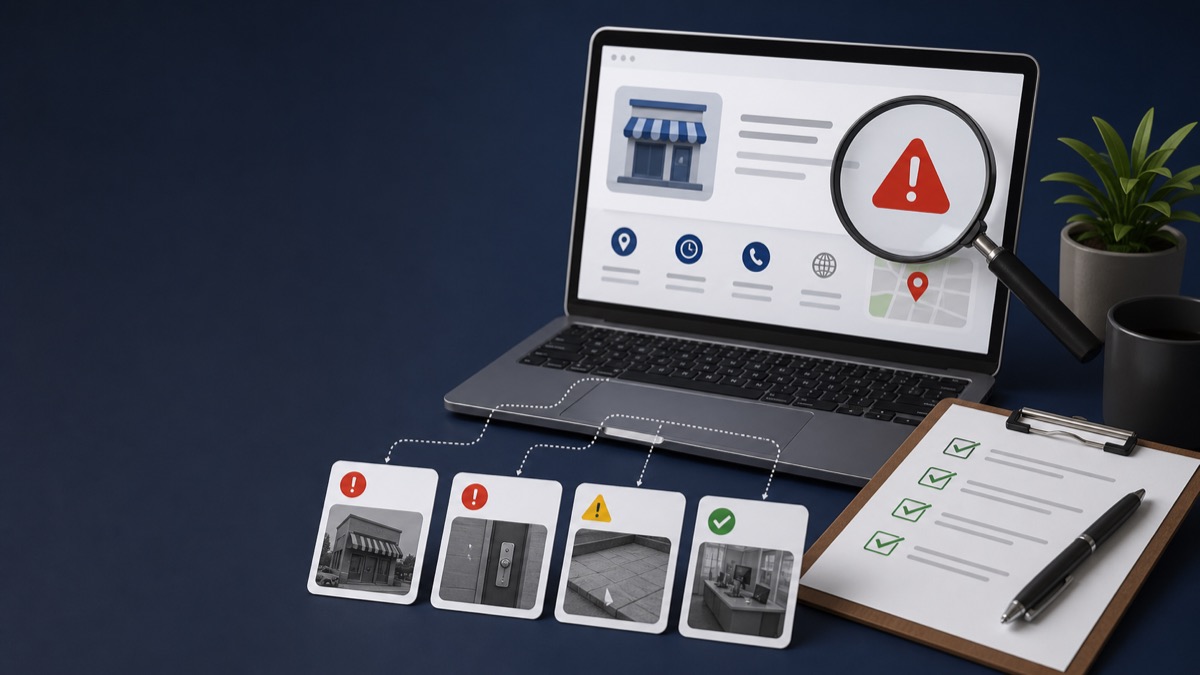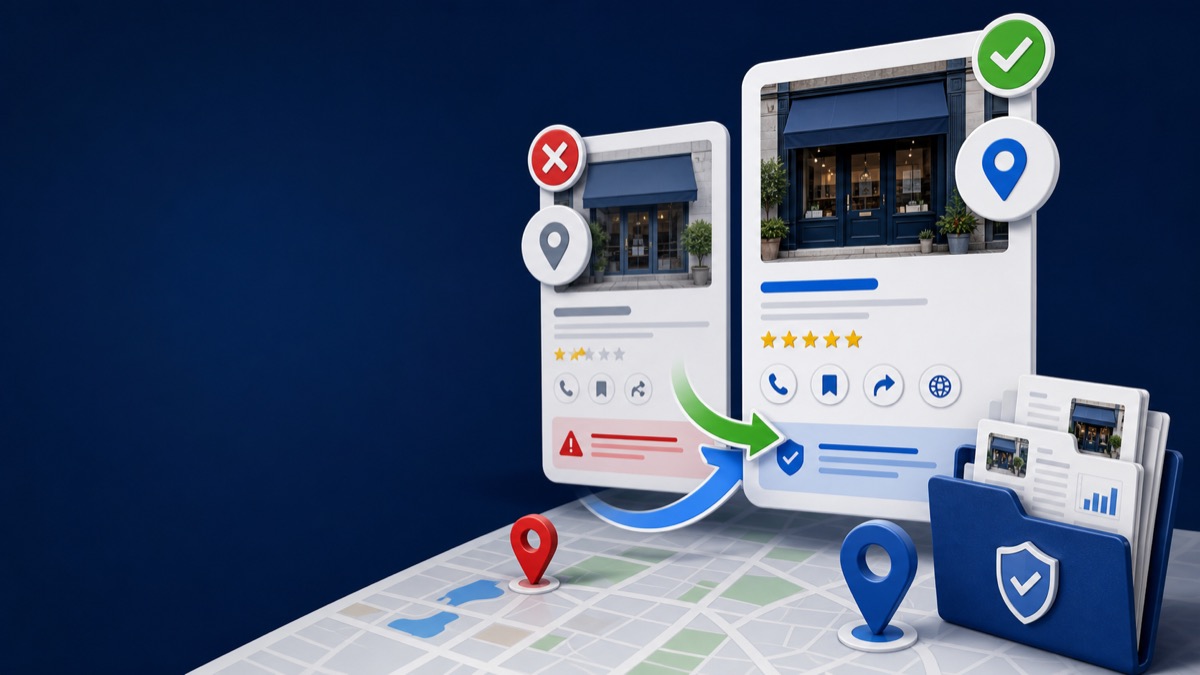
Quick answer: Do not automatically delete either listing. First identify which profile is verified, which contains the reviews and history, who owns each profile, and whether they represent the same business. The correct route may be ownership access, removal of a mistaken duplicate, a merge request, or proof that two businesses are genuinely distinct.
Key Takeaways
- Google generally allows one profile per business location unless separate eligible businesses exist.
- Preserve the profile with the correct history, reviews, and verified ownership whenever possible.
- A move or added service does not normally require a new listing.
- Two distinct businesses at one address need independent eligibility and clear signage evidence.
Why Google Marks Profiles as Duplicates
Google's duplicate-profile guidance lists an existing verified profile, the same address, and separate profiles for different services as common duplicate situations. A duplicate may not appear on Search or Maps.
Duplicates often arise during moves, rebrands, agency transitions, ownership changes, or accidental profile creation. The safest solution depends on the history of both listings.
Choose the Correct Resolution
Map each situation before taking action.
- Existing verified profile owned by someone else: request ownership
- Accidental duplicate created in your account: remove the mistaken profile carefully
- Two profiles for the same business on Maps: request a merge when appropriate
- Business moved: update the existing profile rather than creating a new one
- Different services from one business: list services on one profile
- Two genuinely distinct businesses at one address: prepare evidence of separate names, eligibility, and permanent signage
Protect Reviews and Ownership History
Record both Maps URLs, profile IDs, owners, categories, addresses, phone numbers, websites, review counts, and creation history. Removing the wrong profile can remove content and managers. Merge requests are reviewed by Google and may combine reviews, although replies can be affected.
When a Duplicate Issue Becomes a Suspension Case
If the correct profile is suspended while a duplicate remains live, explain the relationship clearly and avoid optimizing the duplicate as a workaround. Resolve ownership and profile identity first, then build the suspension evidence around the legitimate listing.
For missing management access, use the removed dashboard recovery guide.
Frequently Asked Questions
Will merging profiles combine the reviews?
Google says reviews may be combined when eligible profiles merge, but every request is reviewed and review replies may be lost.
Can two businesses share one address?
Yes, when they are genuinely distinct and independently eligible, with different real-world names and clear signage or operational evidence.
Should I delete the suspended profile and use the duplicate?
Usually not as a shortcut. Preserve the legitimate profile's identity, history, and ownership while resolving the duplicate correctly.
Get a Clear Answer Before You Appeal Again
Every case depends on the profile, the business model, the evidence, and the action Google has taken. GBP Case helps qualifying businesses worldwide organize the facts and choose the safest next step. Start with a free case review, use the qualification tool, or view anonymous case evidence. New inquiries receive a response within one hour.
This guide is general information, not a promise of reinstatement. Google makes the final decision on every profile and appeal.
Need Help With Your Suspension?
Start with a free consultation and clear case pricing before you decide. We review the issue and explain the recovery path.
Check if I qualify