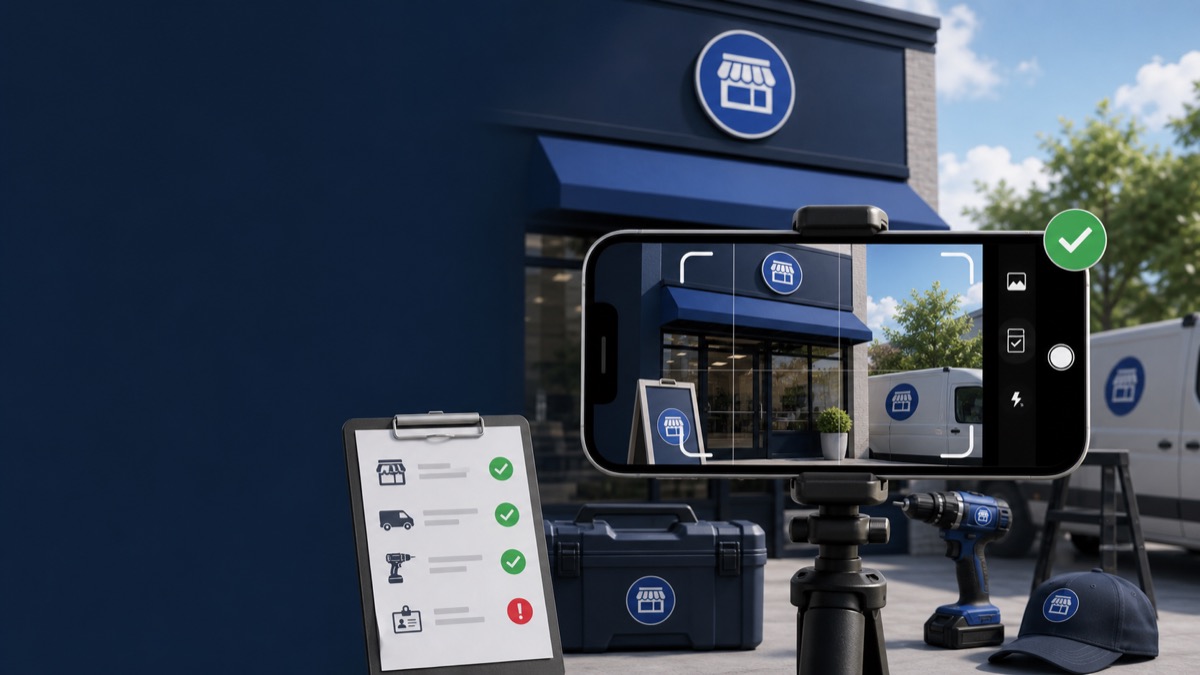
Quick answer: A GBP verification video should be one continuous, unedited mobile recording that proves three things: the business is in the stated location or service area, the business exists as represented, and the person recording manages it. Re-record only after reviewing the missing proof shown by Google.
Key Takeaways
- Plan the route before pressing record because the video must be continuous and recorded through the profile.
- Storefronts should show the surrounding location, permanent signage, and employee-only access.
- Service-area businesses should show location signals, branded equipment or tools, and management proof.
- Do not display private IDs, bank details, tax numbers, or other people's faces.
Google's Core Video Requirements
Google's official video guidance says the recording must be unique, unedited, complete, at least 30 seconds long, and recorded and uploaded from a mobile device through the Business Profile. It should not include sensitive personal or financial information.
The strongest video is not necessarily long. It is a deliberate walk-through where every scene proves location, business existence, or management authority.
Storefront and Hybrid Video Plan
Begin outside and move inward without stopping the recording.
- Street sign, building number, nearby businesses, or recognizable surroundings
- Permanent sign with the same business name as the profile
- Customer-facing interior, products, menu, or work area
- Keys opening the location or access to an employee-only area
- Point-of-sale system, storage area, or other management-only access without exposing private data
Service-Area Business Video Plan
Show that the business operates from the claimed region and performs real work even though customers do not visit the address.
- Street or location signals near the operating base
- Branded vehicle, uniforms, tools, equipment, products, or work materials
- Business permit, invoice, or utility document with sensitive details covered
- Unlocking and operating equipment or demonstrating the service
Why Videos Are Rejected
Common gaps include no permanent sign for a storefront, no surrounding location, a business name that does not match, missing management proof, an address that does not fit the business model, or a video assembled from separate clips.
If the underlying issue is the service-area setup, review the service-area suspension guide before recording again.
Frequently Asked Questions
Can I edit separate clips into one verification video?
No. Google says the video must be an unedited, unique, complete recording with no breaks.
Can I upload a video recorded earlier?
Google's process requires recording and uploading from a mobile device through the Business Profile.
How long does review take?
Google says review can take up to five business days. That is Google's review estimate, not a guarantee for every case.
Get a Clear Answer Before You Appeal Again
Every case depends on the profile, the business model, the evidence, and the action Google has taken. GBP Case helps qualifying businesses worldwide organize the facts and choose the safest next step. Start with a free case review, use the qualification tool, or view anonymous case evidence. New inquiries receive a response within one hour.
This guide is general information, not a promise of reinstatement. Google makes the final decision on every profile and appeal.
Need Help With Your Suspension?
Start with a free consultation and clear case pricing before you decide. We review the issue and explain the recovery path.
Check if I qualify