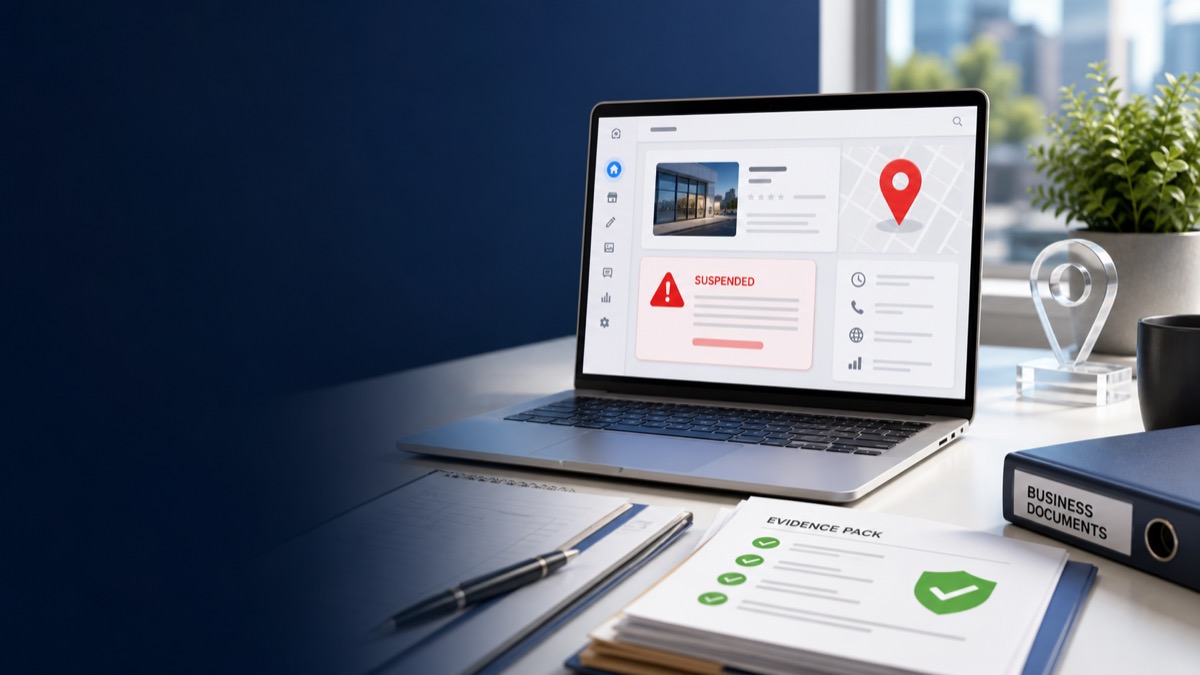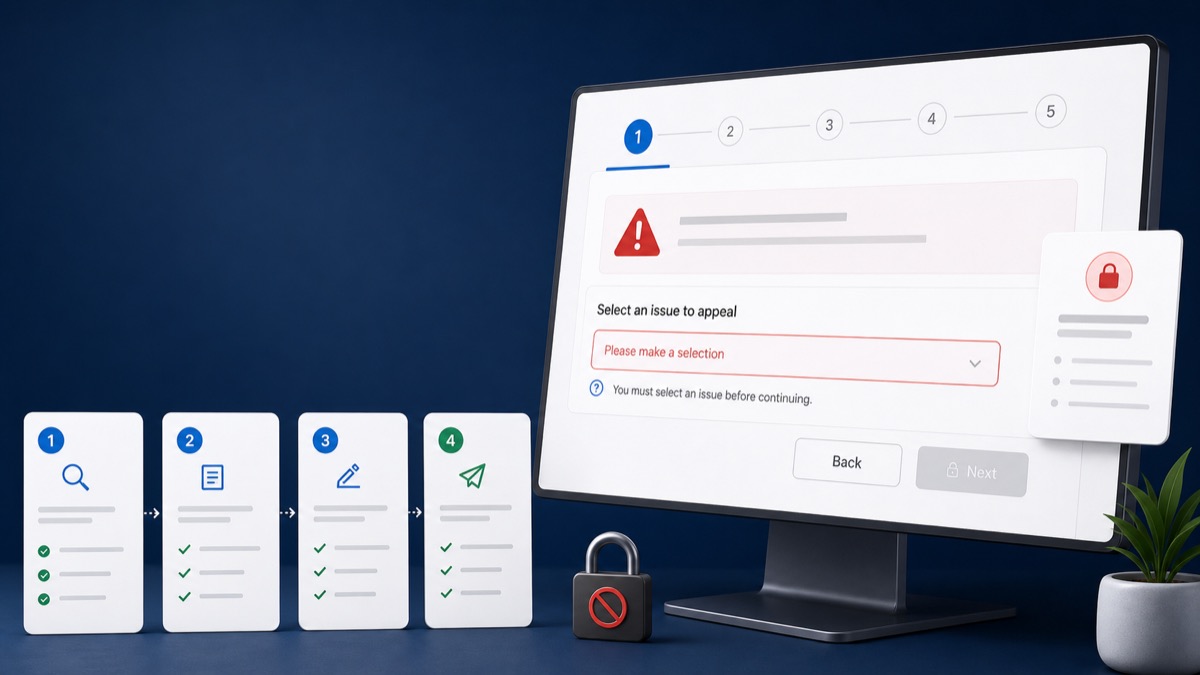
Quick answer: The best evidence package proves the legal business, its real location or service-area operation, and the owner's control of the profile. Use current documents that match the business name and address shown in the profile, and upload only what supports the corrected case.
Key Takeaways
- Google may provide a limited evidence-submission window after an appeal is started.
- Document consistency matters more than the number of files.
- Storefront and service-area businesses require different visual proof.
- Redact sensitive numbers while leaving the business name, issuer, address, and relevant date visible.
Core Legal and Registration Evidence
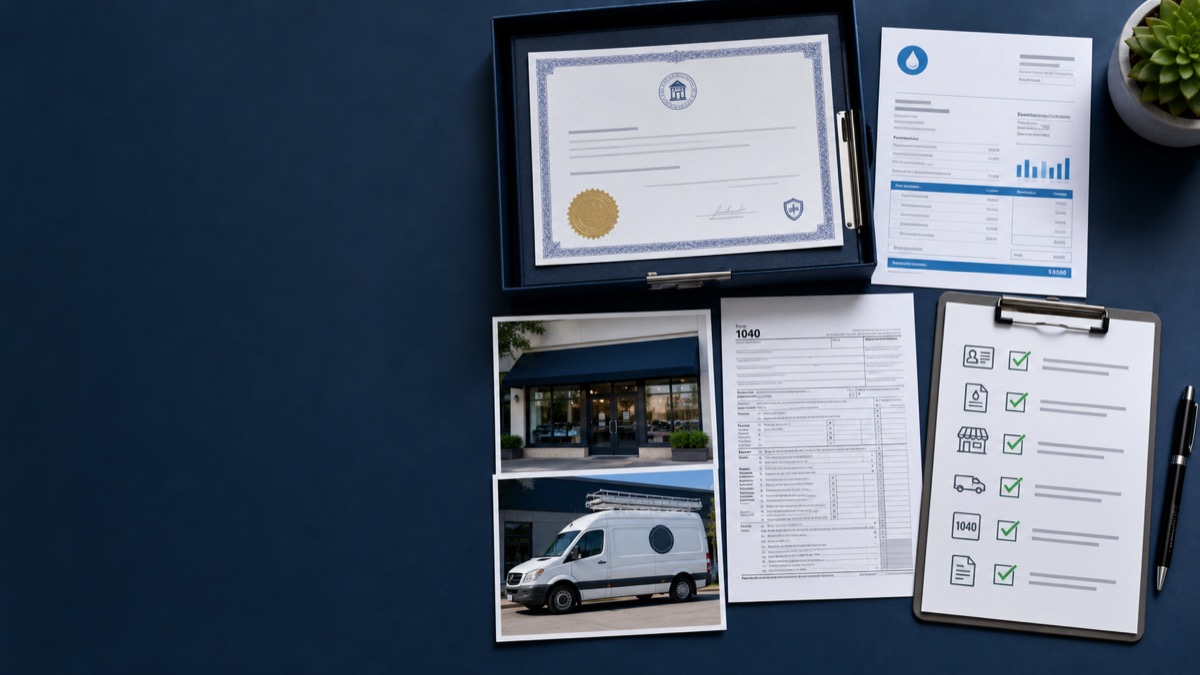
Prepare the strongest official records available in the business's country or region.
- Current business registration or incorporation record
- Trade, professional, or municipal licence where applicable
- Tax registration certificate with unnecessary identifiers redacted
- Insurance or permit documents that connect the entity to its operations
- Ownership or authorized-representative proof when ownership recently changed
Location and Operations Evidence
Google's appeal guidance lists business registration, licences, tax certificates, and utility bills as examples of evidence. The business name and address should match the profile you are appealing.
- Recent electricity, phone, water, internet, or other business utility bill
- Exterior and interior storefront photos with permanent signage
- Building number, suite, street, and nearby context
- For service-area businesses: branded vehicles, tools, uniforms, equipment, invoices, and operating-base evidence
- Website contact page and authoritative phone number consistent with the profile
Create a Matching-Evidence Table
Before uploading, list each core profile field in one column and the supporting document in another. If the registration says one name while the sign, website, and profile use different variations, resolve the inconsistency or explain a legitimate trade name clearly.
Do the same for address, phone, website, category, and ownership. Do not submit a document simply because it is official if it supports an old or conflicting version of the business.
Protect Sensitive Information
Keep enough information visible for a reviewer to understand the issuer, business, location, and date. Cover bank account numbers, full tax identifiers, personal ID numbers, and unrelated customer information.
If you are still unsure what triggered the restriction, start with the suspension diagnostic guide.
Frequently Asked Questions
How many documents should I upload?
Use the smallest set that clearly proves the corrected profile. Several consistent, relevant files are stronger than a large folder of conflicting material.
Can I submit an old utility bill?
Current evidence is generally clearer. If an older document is the only record available, explain why and support it with current operational proof.
Should every document show the public profile address?
The evidence must support the legitimate business and its correct setup. Service-area businesses may hide the public address while still providing legitimate address proof privately.
Get a Clear Answer Before You Appeal Again
Every case depends on the profile, the business model, the evidence, and the action Google has taken. GBP Case helps qualifying businesses worldwide organize the facts and choose the safest next step. Start with a free case review, use the qualification tool, or view anonymous case evidence. New inquiries receive a response within one hour.
This guide is general information, not a promise of reinstatement. Google makes the final decision on every profile and appeal.
Need Help With Your Suspension?
Start with a free consultation and clear case pricing before you decide. We review the issue and explain the recovery path.
Check if I qualify