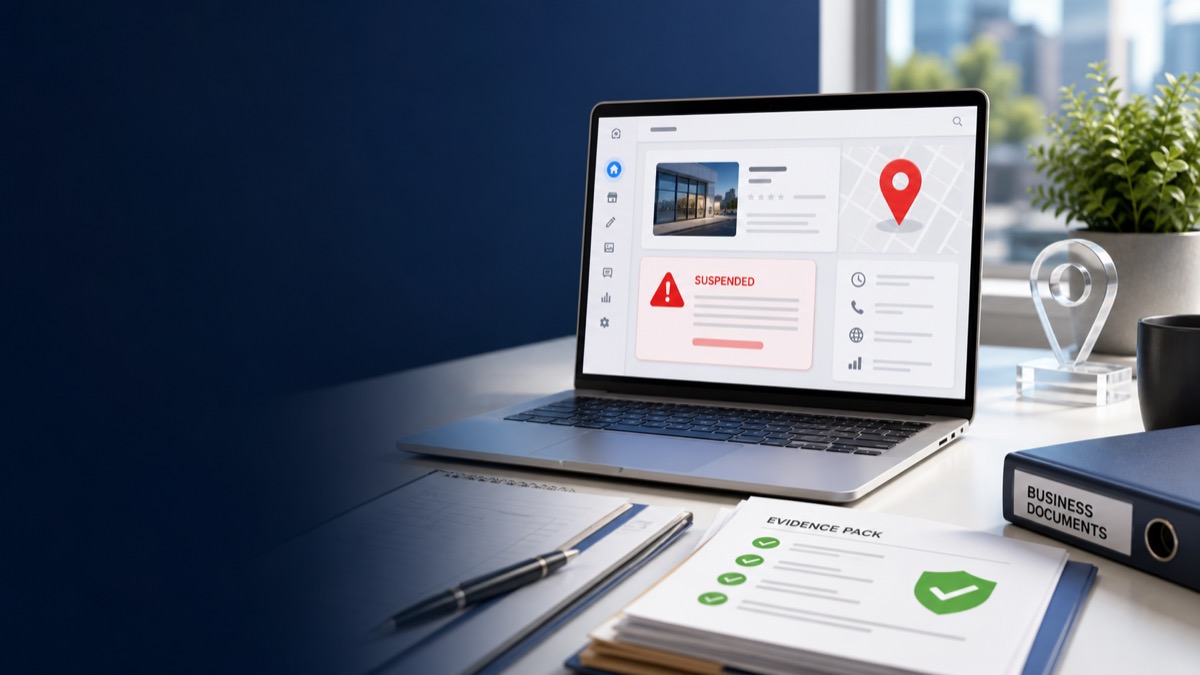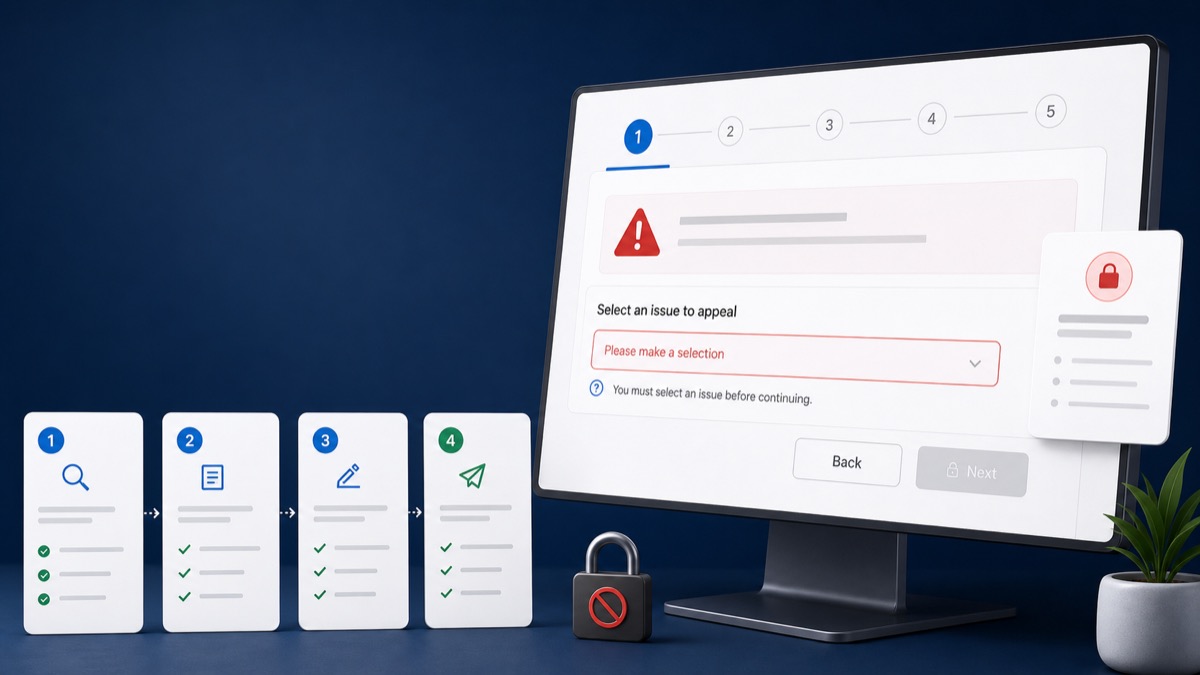
Quick answer: If the GBP appeals tool shows no eligible decision, first confirm you are signed into the exact owner account connected to the affected profile. Then verify the profile selected, the moderation status, whether an appeal is already pending, and whether the restriction applies to the Google Account instead of only the profile.
Key Takeaways
- The wrong Google Account is a common reason the affected profile is missing.
- An appeal already submitted may show a status instead of another appeal option.
- Account restrictions can require a separate account-level appeal first.
- Save screenshots and case details before contacting official support.
Check the Account and Profile Selection
Open a private browser window, sign in only with the known primary-owner account, and reopen the appeals tool. If the business has several profiles, verify the exact listing, address, and profile ID where available.
Google's appeals tool instructions say to use the Google Account related to the restricted profile and show statuses such as submitted, approved, not approved, cannot be appealed, and eligible for appeal.
Understand What the Status Means
Submitted means the request is already in review. Not approved may provide an additional-review path. Cannot be appealed may reflect the decision type or another restriction. An empty list can also mean the signed-in account does not own the affected profile.
Do not repeatedly switch accounts and submit unrelated support forms. Keep one clear case history.
Check for an Account-Level Restriction
If all managed profiles are affected, review the Google Account for restriction notices. Google explains that the account restriction may need to be lifted before an individual profile appeal can succeed.
Prepare Before Contacting Support
Capture the appeals-tool screen, signed-in email, profile name, Maps URL, profile ID, restriction notice, dates, prior case IDs, and browser/device details. This turns a vague 'tool not working' request into a traceable support issue.
- Try an updated browser without extensions
- Confirm cookies and pop-ups are not blocking the flow
- Avoid creating a new profile to bypass the tool
- Review the appeal denied guide if the status is not approved
Frequently Asked Questions
Why does the appeals tool show no eligible content?
Common possibilities include the wrong account, no ownership, an appeal already in progress, a decision that is not eligible, or an account-level restriction.
Can GBP Case unlock the Google appeals tool?
No outside provider controls Google's tool. GBP Case can help identify the case type, organize evidence, and clarify the appropriate official route.
Should I submit a general support request instead?
Use the official route that matches the decision and preserve the case history. A well-documented support request is better than several conflicting forms.
Get a Clear Answer Before You Appeal Again
Every case depends on the profile, the business model, the evidence, and the action Google has taken. GBP Case helps qualifying businesses worldwide organize the facts and choose the safest next step. Start with a free case review, use the qualification tool, or view anonymous case evidence. New inquiries receive a response within one hour.
This guide is general information, not a promise of reinstatement. Google makes the final decision on every profile and appeal.
Need Help With Your Suspension?
Start with a free consultation and clear case pricing before you decide. We review the issue and explain the recovery path.
Check if I qualify