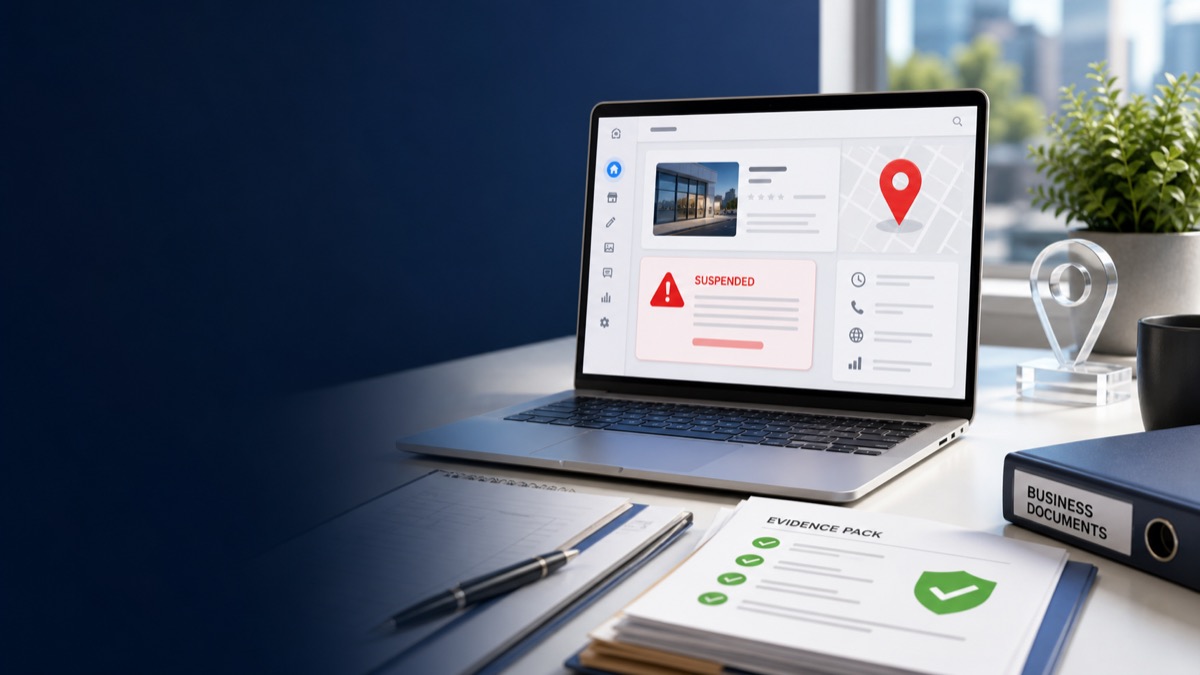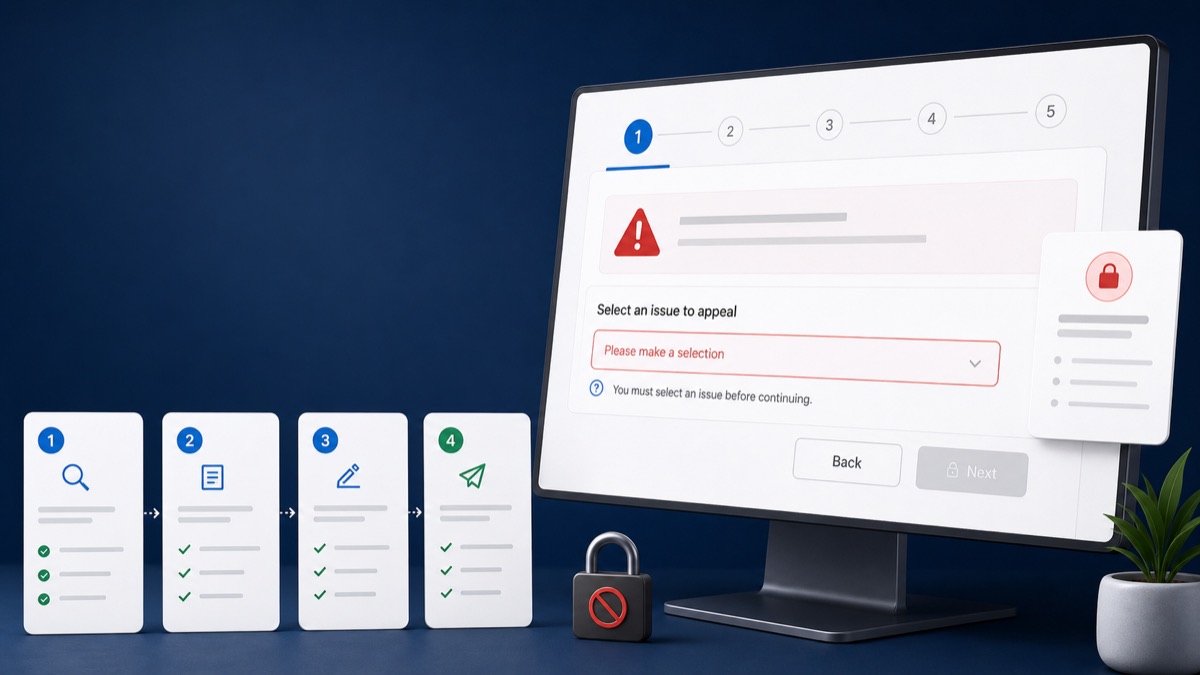
A Google Business Profile appeal denied additional review is the second look Google says it may give after your reinstatement request is turned down. You can ask for it through Google's contact form and attach evidence that was not in your first appeal. It is not a resend button, so only use it once you know what the first appeal failed to prove.
Most second requests fail for the same reason the first one did: the same story, the same documents, a slightly different wording. This guide shows you how to find the gap, close it, and decide what is realistically left if the answer is still no.
What is a Google Business Profile appeal denied additional review?
It is a second review Google may do only after a denial, and Google does not promise it. Google's wording is careful: "Only if your reinstatement request is denied, we may be able to do an additional review to prove your eligibility." [Source: Google Business Profile Help, Fix suspended or disabled profiles, 2026]
Three points on that page shape everything you do next:
- It is a separate step from the appeals tool. The link in that section ("submit an additional review to a denied request") opens a Google contact form, not the appeals tool you used the first time.
- New evidence is welcome. Google says "You can provide additional evidence that wasn't added with your original appeal."
- The first appeal was a one-time submission. The same page notes that "Appeals can only be submitted once," which is why the additional review is the route after a denial, not a second appeal in the tool.
The page also says "Do not create a new Business Profile for the same business." That still applies after a denial. A fresh listing for the same location does not get around the decision, and it can create a duplicate problem on top of the suspension. Our guide to duplicate profile suspensions explains why.
If your account is restricted, rather than one profile, the order is different. Google describes appealing the account restriction first, on your My accounts page, and then, once the restriction is lifted, appealing the profile suspension.
What do "Not Approved" and "Can't be appealed" mean in the appeals tool?
Google lists the statuses but does not define them. In the appeals tool, the status of your appeal shows on the right as one of: "Submitted", "Approved", "Not Approved", "Can't be appealed" or "Eligible for appeal". [Source: Google Business Profile Help, Appeal Business Profile content & profile restrictions, 2026]
So be careful with anyone who claims to know exactly what each label means inside Google. Here is what can be said from Google's own pages, and nothing more:
| Status | What Google's pages say | What it means for you |
|---|---|---|
| Not Approved | Listed as a status. Google says an additional review is possible "only if your reinstatement request is denied." | Your appeal was decided against you. This is the situation the additional review exists for. |
| Can't be appealed | Listed as a status. The tool shows "Whether the decision can be appealed" for each decision. | The tool will not take an appeal for that decision. Google does not explain why on these pages. |
| Eligible for appeal | Listed as a status. | Read literally, the decision can still be appealed. Check the details the tool shows before you file. |
| Submitted | Listed as a status. Google says reviews "can take up to 5 business days." | Wait. Do not file again for the same issue. |
One trap: "Not approved" also appears on a different Google page, about edits. There, Google says it might not approve a change you made to your profile, such as a new name or phone number, if it "can't confirm" its accuracy. That is an edit status, not an appeal decision. [Source: Google Business Profile Help, Understand what happens to your Business Profile edits, 2026] If you saw "Not approved" next to an edit, you are dealing with a rejected edit, not a denied appeal.
If the tool itself is not loading or showing your profile at all, read our guide to the appeals tool not working before you go further.
Why was your first appeal denied?
Google's denial email rarely tells you the exact gap. So you work it out from the rules. Google's guidelines start with this: "Represent your business as it's consistently represented and recognized in the real world across signage, stationery, and other branding." [Source: Google Business Profile Help, Guidelines for representing your business on Google, 2026]
Most denials trace back to a mismatch against that standard. Check your first appeal against these common causes:
- The name on the profile does not match your documents. Google says your name "should reflect your business's real-world name, as used consistently on your storefront, website, stationery, and as known to customers." Keywords or a city added to the name break that.
- The address cannot be proven. Google says businesses showing an address "should maintain permanent fixed signage of their business name at the address." A home address, a shared office, or a virtual office is the usual weak point.
- A second profile exists. "There should only be one profile per business," so an old or duplicate listing can undercut the appeal.
- The evidence was thin or off-target. You sent a document, but it did not show the exact name and address on the profile.
Build a simple case file before you write anything new. Write down the profile fields as they were when you appealed, the policy reason the tool showed, the text you submitted, every file you attached, and every change you made before and after. Lay that next to your documents. The gap is usually visible within a few minutes.
If the tool never showed a clear reason at all, our guide to a profile suspended with no reason covers how to work backwards from the profile itself. And if you are not sure whether your profile was suspended, removed or only flagged, this breakdown of suspension types helps you confirm which case you are in.
What new evidence should you add to the additional review?
Add evidence that closes the specific gap you found, not more of the same. Google lists the kinds of evidence that "can help strengthen your appeal": "Official business registration", "A business license", "Tax certificates", and "Utility bills for the business" such as electricity, phone, water and internet. [Source: Google Business Profile Help, Fix suspended or disabled profiles, 2026]
Note how Google frames it. In the appeals tool, it calls this "optional evidence." The additional review section uses softer wording again: you "can provide additional evidence." Nothing on the page says the additional review requires a minimum number of files. But a request with no new proof gives the reviewer no reason to reach a different answer, so in practice the evidence is the whole point.
Google's tip applies to every file: "check that the business name and address match the profile you want to make an appeal for."
Match each new document to the gap it closes:
| Gap you found | Evidence that closes it |
|---|---|
| Name on profile differs from registration | Current registration or license showing the exact profile name |
| Address not proven | Utility bill for the business at that address, and photos of permanent signage |
| Business recently moved | Registration and a utility bill at the new address, both dated after the move |
| Ownership or authority in doubt | Registration showing you as owner, or documents linking you to the entity |
| Service-area business with a hidden address | Registration and tax documents tied to the business, plus branded vehicle or equipment photos |
Two rules keep the file clean. First, never upload a document that shows a different name or address from the profile, because it creates a new question instead of answering the old one. Second, fix the profile before you send anything. If the name had keywords, remove them first, so the evidence and the listing agree.
For a full list of what to gather and how to check it, use our reinstatement evidence checklist. Service-area businesses should also read our guide to service-area business suspensions.
How should you write the additional review request?
Short, factual and tied to the attachments. Google's appeals page tells you the reviewer will make a decision and email you, and that "Appeal reviews and decisions can take up to 5 business days. Do not submit multiple appeals for the same issue before receiving a decision." [Source: Google Business Profile Help, Appeal Business Profile content & profile restrictions, 2026]
That last line matters. Sending the form three times does not speed anything up, and it fills the case with repeats. Send one clean request and wait.
A structure that reads well to a reviewer:
- Who you are. The business name exactly as on the profile, the address or service area, and the profile ID if you have it.
- What was denied and when. The date of the denial and the reason the tool showed.
- What has changed since. The specific fix, such as "removed the city name from the business name to match our registration."
- What the new evidence proves. One line per file: what it is and which fact it confirms.
Leave out what does not help. Avoid long histories, complaints about competitors, guesses about why Google acted, and anything you cannot back with a document. Do not say the business is "guaranteed legitimate." Show it.
Keep a copy of the form text, the files and the date you sent it. If you get a reply asking for more, you will need to answer in a way that matches what you already said.
What is realistically left after the additional review?
Less than most people hope, and that is worth knowing before you send it. Google's pages describe the appeal in the tool and the additional review after a denial. They do not describe a further level of review for profile suspensions beyond that. [Source: Google Business Profile Help, Fix suspended or disabled profiles, 2026]
What the pages do mention:
- EEA businesses have extra options. Google says "If you're located in a European Economic Area (EEA) member state or territory, you may have additional redress options." Its appeals page adds that EEA businesses "can refer your appeal to an out-of-court dispute settlement body."
- A reply email is not a dead end for content issues. For content restrictions handled through the contact form, Google says "If our initial reply doesn't fix your issue, respond to the email and our support team will assist with your appeal." [Source: Google Business Profile Help, Appeal Business Profile content & profile restrictions, 2026]
- A new business can start fresh. Google's guidelines say a name change that is not a minor rebrand makes it "a new business," which gets its own profile. That only applies when the business really is new, not as a workaround.
Outside the EEA, if the additional review is also denied and nothing about the business has changed, there is rarely a strong next move. If something has genuinely changed since, such as a move to a staffed location with signage, that is a different case with different evidence. Be honest with yourself about which one you have.
This is also where the cost of a weak first attempt shows. The denied appeal page explains when a case is still worth pursuing and when it is not. To see what to expect while you wait, read our guide to how long reinstatement takes.
How GBP Case helps with a denied appeal and additional review
We read the first appeal before writing a word of the second. The denial email, the status in the tool, the documents you sent and the profile's edit history usually show the gap.
The free case review checks what the first appeal could not prove, whether your documents now match the profile exactly, and whether an additional review is worth sending at all. If the honest answer is no, we say so. You can run the qualification tool first to check Google's basic eligibility rules, or read anonymous case studies with redacted Google emails.
We do not take cases for virtual offices, PO boxes or lead-generation listings, because Google's guidelines do not allow them. We never promise approval, because Google makes every decision. More on the process is on our suspension help page and our reinstatement page.
Frequently asked questions
Can I submit a second appeal in the appeals tool?
No. Google says "Appeals can only be submitted once." After a denial, the route Google describes is the additional review, which uses a contact form linked from its help page on suspended profiles. Google also says not to send multiple appeals for the same issue before you get a decision. Sending the same case again, through any channel, does not reset the review. If you are unsure whether your appeal was decided or is still pending, check the status in the appeals tool first. A status of "Submitted" means you are still waiting, and you should not file anything else until the decision email arrives.
Is new evidence required for an additional review?
Google does not say it is required. Its page says you "can provide additional evidence that wasn't added with your original appeal," and the appeals tool calls evidence "optional." In practice, though, a request with no new proof asks the reviewer to reach a different answer from the same facts. That rarely works. The useful question is what the first appeal failed to prove. Add the document that proves it, such as a registration in the exact profile name or a utility bill at the listed address, and make sure the name and address on every file match the profile.
What does "Can't be appealed" mean?
Google lists "Can't be appealed" as a status in the appeals tool but does not define it on its help pages. The tool also shows "Whether the decision can be appealed" for each decision. Beyond that, Google gives no official explanation, so treat any confident claim about what it means with caution. Do not create a new profile for the same business as a workaround, because Google tells you not to. If you see this status, stop and get advice on your specific case before you change anything else on the profile or the account.
How long does the additional review take?
Google does not give a separate timeline for the additional review. For appeals, its help page says "Appeal reviews and decisions can take up to 5 business days." Use that as a reference, not a promise for the additional review. While you wait, leave the profile alone. Fresh edits during a review give the reviewer new details to question. Keep the confirmation of what you sent, watch the inbox for the account that manages the profile, and do not resend the form. If weeks pass with no reply, check that the right email address is on the account before you do anything else.
Make the second request the one that counts
An additional review is worth sending when you can show something the first appeal did not: a fixed profile and a document that proves it. If you cannot point to that change, wait until you can.
If you want a second opinion before you send it, start with a free case review. New inquiries get a reply within one hour.
This guide is general information, not a promise of reinstatement. Google makes the final decision on every profile and appeal. Last updated: November 2026.
Need Help With Your Suspension?
Start with a free consultation and clear case pricing before you decide. We review the issue and explain the recovery path.
Get my free case review