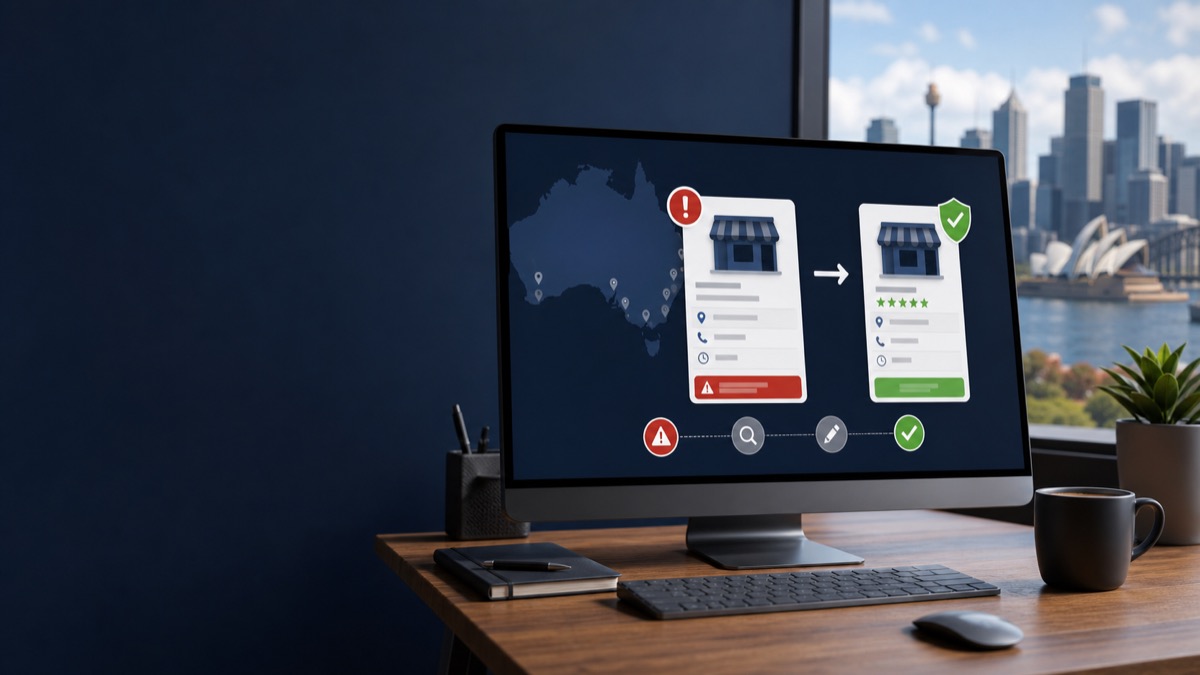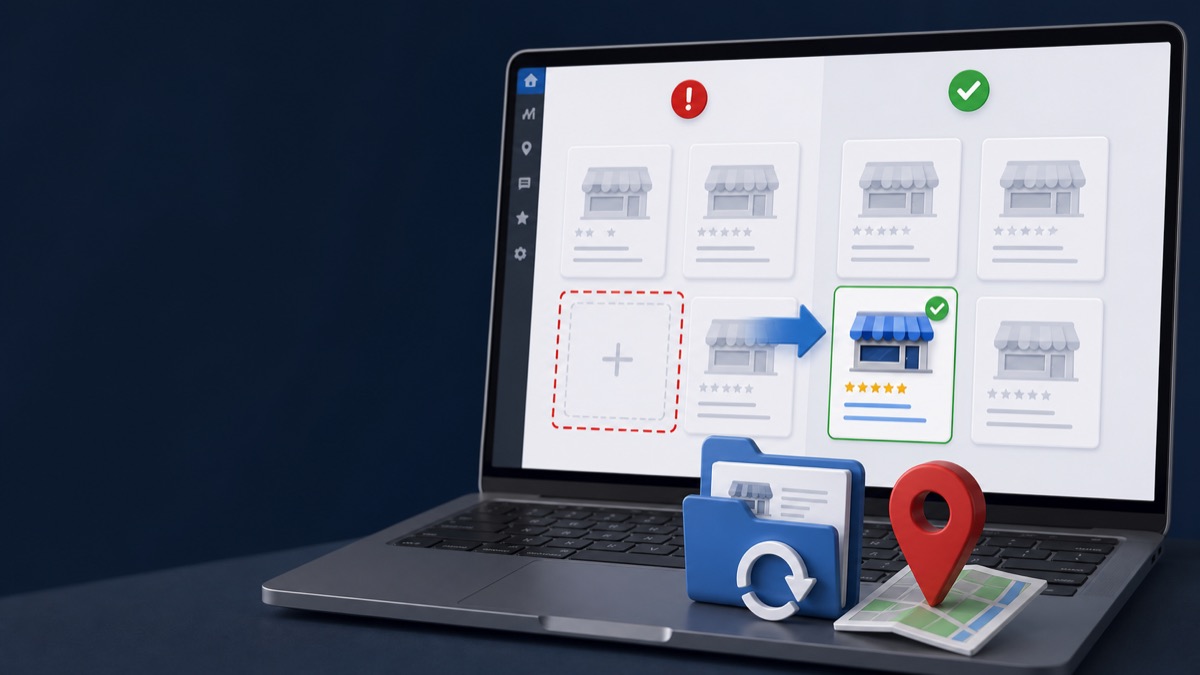
Quick answer: A profile missing from the dashboard may be under another Google Account, transferred to a different owner, removed from your account, marked as a duplicate, or affected by a profile or account restriction. Confirm the public listing, every possible owner email, and the exact Google notice before creating or claiming anything new.
Key Takeaways
- Search for the public listing before assuming the profile was deleted.
- Check all Google Accounts previously used by owners, employees, and agencies.
- Preserve ownership and support emails that identify transfers or restrictions.
- Do not create a duplicate while the original listing still exists.
Find Out What Still Exists
Search the exact business name, phone number, and address on Google Search and Maps while signed out. Save the Maps URL and note whether reviews, photos, and the website are still visible. A live public listing with missing management access is different from a removed public profile.
Audit Every Google Account
Check the owner, founder, operations staff, former agency, and any shared company account. Search email for ownership requests, manager removals, suspension notices, verification messages, and support case IDs.
If another verified owner controls the live profile, use Google's ownership request process instead of creating a replacement. If the profile is marked as a duplicate, identify the verified listing it duplicates.
When Google Says the Profile Cannot Be Reinstated
A support response may recommend creating a new profile after determining that the old one was removed. Before following that path, confirm that Google is referring to the same listing and preserve proof of reviews and ownership. Complex removals sometimes require a documented additional review.
GBP Case has handled cases involving removed profiles and later approvals. Review the anonymous case studies for the type of timeline and evidence that should be preserved.
Prepare the Recovery File
Keep the public Maps URL, profile ID if available, owner emails, business registration, address evidence, screenshots, dates, and every Google case number in one folder. A clean record prevents contradictory requests.
Frequently Asked Questions
Is a missing dashboard profile always suspended?
No. It can be an account-access, ownership, duplicate, removal, or restriction issue. Confirm the public listing and account history first.
Can reviews return after a removed profile is recovered?
They may return with the original profile, but no provider should guarantee review restoration. Preserve the original Maps URL and profile identity.
Should I request ownership from myself using another account?
Only after confirming the verified owner and following Google's ownership process. Random claims can complicate the account history.
Get a Clear Answer Before You Appeal Again
Every case depends on the profile, the business model, the evidence, and the action Google has taken. GBP Case helps qualifying businesses worldwide organize the facts and choose the safest next step. Start with a free case review, use the qualification tool, or view anonymous case evidence. New inquiries receive a response within one hour.
This guide is general information, not a promise of reinstatement. Google makes the final decision on every profile and appeal.
Need Help With Your Suspension?
Start with a free consultation and clear case pricing before you decide. We review the issue and explain the recovery path.
Check if I qualify