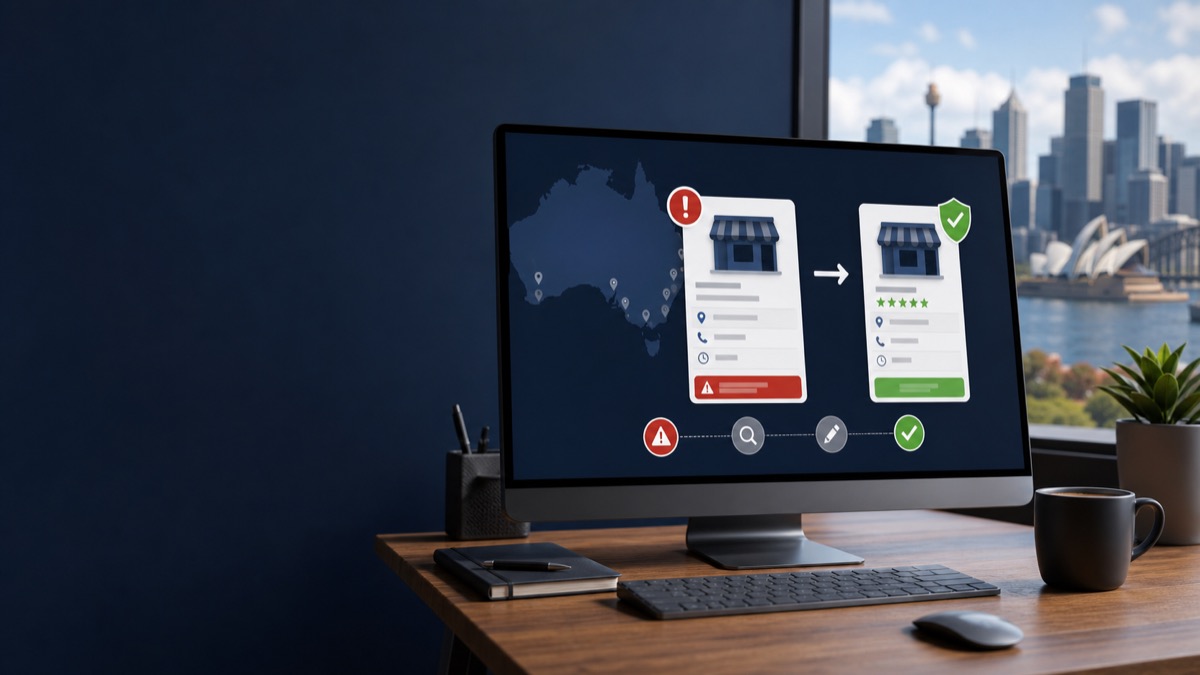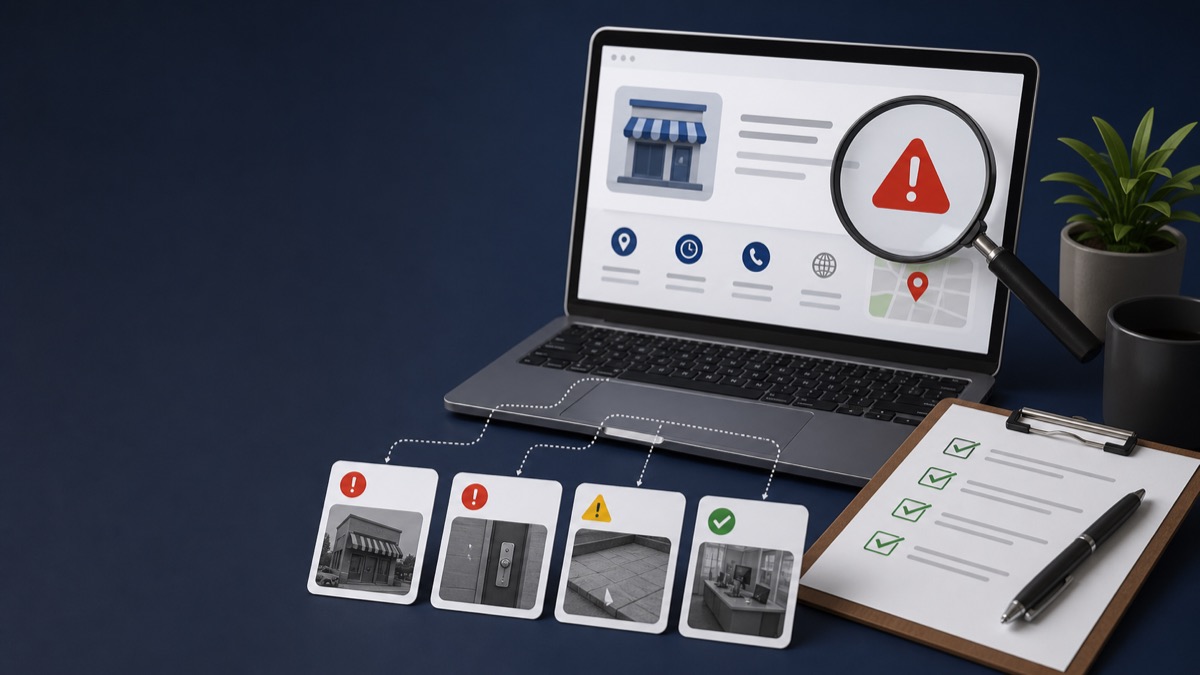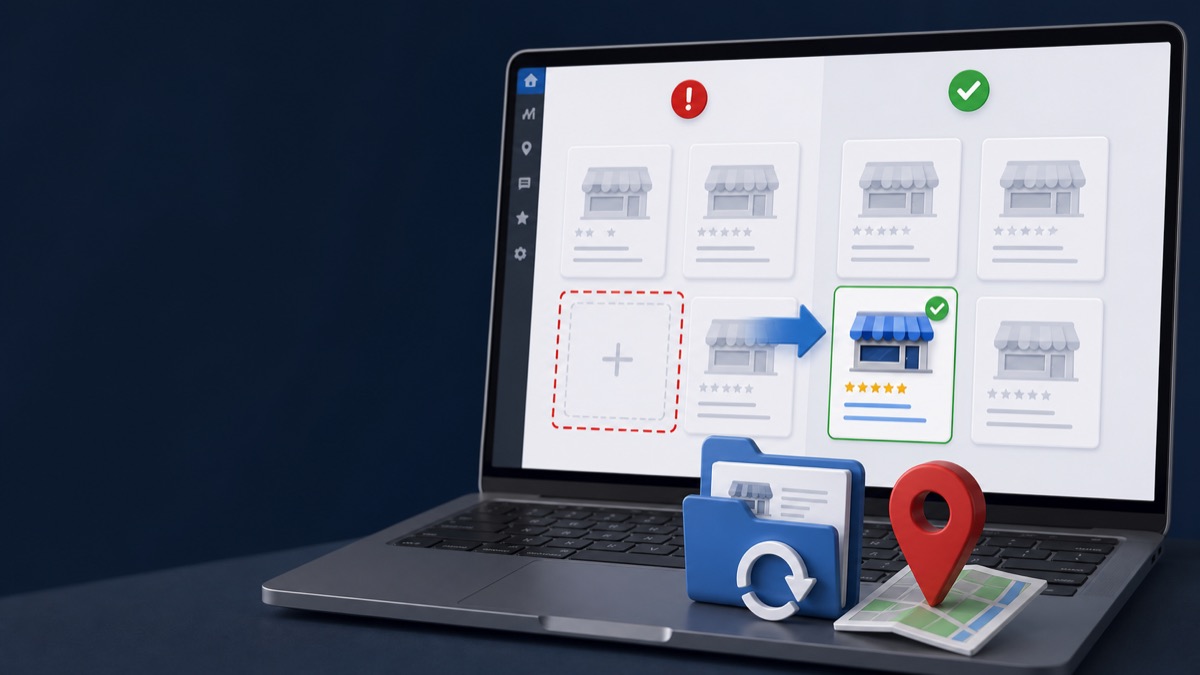
Quick answer: A suspicious-activity suspension can involve the profile, a manager account, unusual ownership activity, major profile edits, or signals Google considers deceptive. Secure the account, record recent changes, identify whether the restriction affects the profile or Google Account, and correct verifiable inconsistencies before appealing.
Key Takeaways
- Determine whether Google restricted one profile, multiple profiles, or the managing account.
- Do not remove managers or transfer ownership blindly; preserve the account history first.
- Review simultaneous changes to name, address, phone, website, category, and ownership.
- Build the appeal around verifiable business facts rather than speculation about the algorithm.
Profile Suspension or Account Restriction?
A profile-level suspension usually affects a specific listing. An account restriction may affect every profile owned or managed by that Google Account. The appeal route and cleanup sequence can differ, so save the exact notice and check the status shown in the appeals tool.
Google's official appeal instructions explain that an account restriction may suspend the profiles managed by that account and may need to be resolved before the individual profile suspension can be lifted.
Build a Timeline of Recent Activity
Write down what changed during the weeks before the restriction. A timeline helps separate a legitimate business update from an accidental inconsistency or unauthorized action.
- New owners, managers, agencies, or shared email accounts
- Name, category, address, service area, phone, or website changes
- Business move, rebrand, ownership transfer, or website migration
- New duplicate profiles or profiles created from another account
- Security alerts, unfamiliar logins, or compromised credentials
Secure the Account Without Destroying Evidence
Change compromised passwords, enable two-step verification, and remove access you know is unauthorized. Before removing legitimate managers or moving ownership, document the current structure and understand which account owns the profile.
Never share a verification code or password with a third party. Authorized help should use proper profile permissions and keep the owner informed.
Prepare a Fact-Based Appeal
The appeal should explain the eligible business, the corrected issue, and the evidence that supports the current profile. Avoid blaming competitors or making claims that cannot be documented.
If the first request was denied, review the denied appeal guide before requesting an additional review.
Frequently Asked Questions
Does suspicious activity mean my account was hacked?
Not necessarily. It can relate to account security, profile changes, ownership patterns, or policy signals. Review the exact notice and account activity.
Should I create a new Google account and profile?
Not as a shortcut. A duplicate profile may create another policy problem and can complicate recovery of the original listing.
What evidence should I save?
Save notices, emails, case IDs, account-security alerts, profile screenshots, ownership details, and documents proving the current business information.
Get a Clear Answer Before You Appeal Again
Every case depends on the profile, the business model, the evidence, and the action Google has taken. GBP Case helps qualifying businesses worldwide organize the facts and choose the safest next step. Start with a free case review, use the qualification tool, or view anonymous case evidence. New inquiries receive a response within one hour.
This guide is general information, not a promise of reinstatement. Google makes the final decision on every profile and appeal.
Need Help With Your Suspension?
Start with a free consultation and clear case pricing before you decide. We review the issue and explain the recovery path.
Check if I qualify